



Move To
Moves an object or a point to a position.
Node id transform/move-to
The Move To node outputs a copy of object placed at point. The object
can be any shape, line or group, or a Point.
Inputs
| Name | Type | Default | Notes |
|---|---|---|---|
| object | T | — | generic |
| point | Point | { x: 0, y: 0 } |
Outputs
| Name | Type | Notes |
|---|---|---|
| object | T | generic |
Behaviour
- Position. A shape's position is its centre (a circle's, a
rectangle's or a regular polygon's), and a group's is the point its
children are placed from. Move To puts that position at
point; rotation and scale are unchanged. - Default.
pointdefaults to (0, 0), the top-left corner of the page. - Keeps the type, and works on a copy, like Translate.
- Placing on points. With Map, Move To places a copy of an object at each point of a grid or a path.
Errors
objectmust be a shape, line, group or Point (its pin is generic, so other values connect but fail here).- An object that can't be copied can't be moved.
Example
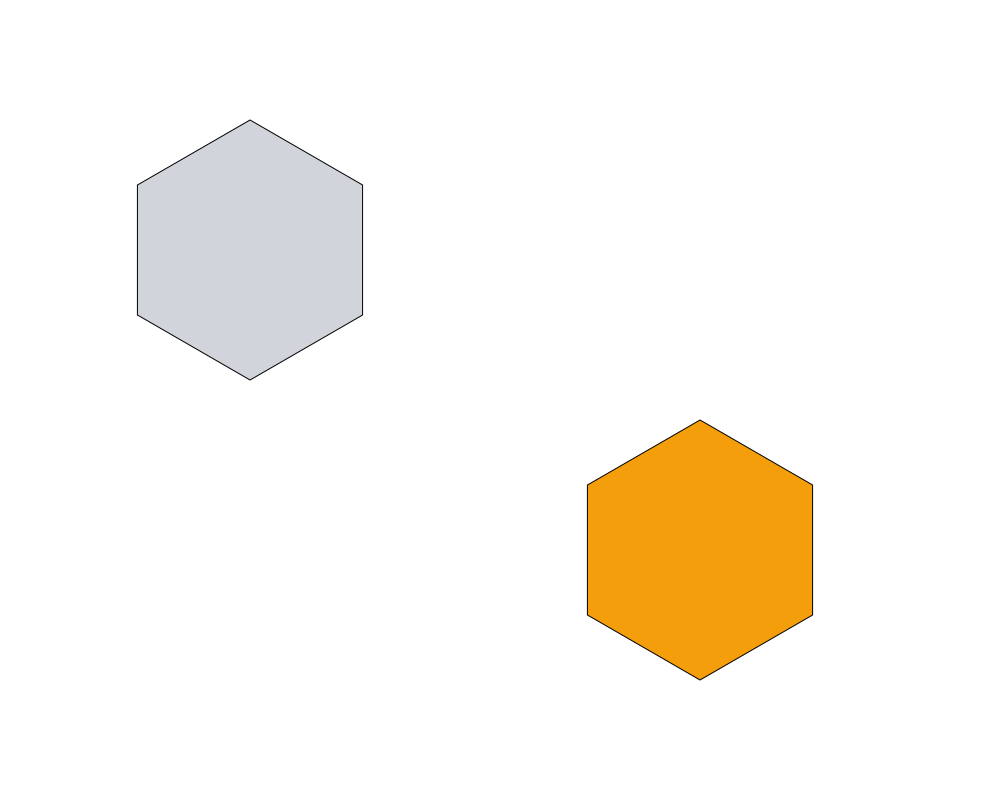
A hexagon (gray) moved to (700, 550) (orange).
 Open in Playground