



Translate
Moves an object or a point by an offset.
Node id transform/translate
The Translate node outputs a copy of object moved dx to the right and
dy down. The object can be any shape, line or group, or a Point.
Inputs
| Name | Type | Default | Notes |
|---|---|---|---|
| object | T | — | generic |
| dx | number | 0 | |
| dy | number | 0 |
Outputs
| Name | Type | Notes |
|---|---|---|
| object | T | generic |
Behaviour
- Offsets.
dxanddydefault to 0. The y axis points down, so a positivedymoves the object down. - Keeps the type. The output has the input's type: translating a Circle gives a Circle, so it still connects to Circle inputs.
- Copies. The node works on a copy: the connected object, and anything else using it, stays where it was.
Errors
objectmust be a shape, line, group or Point. Its pin is generic, so other values connect but fail here.- An object that can't be copied can't be moved. Every shape, line and group can be.
Example
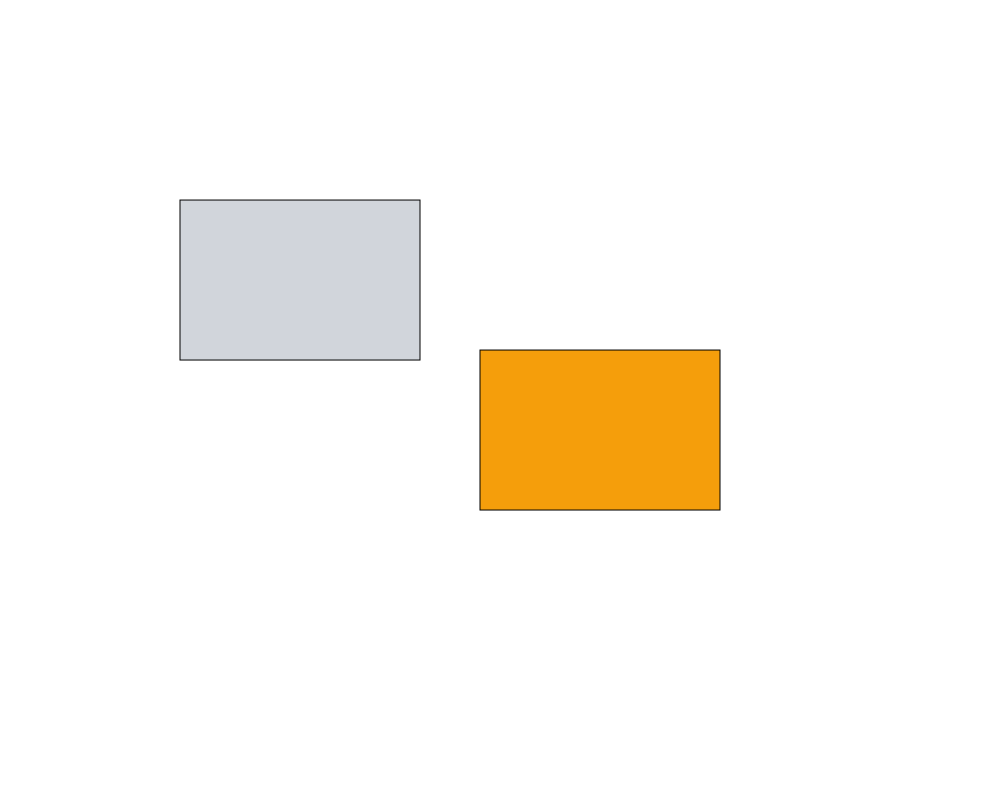
A rectangle (gray) translated by dx = 300 and dy = 150. The copy is given an orange fill with Set Rectangle to tell them apart.
 Open in Playground