



Point At
The point at a fraction of the way along a shape's outline or a line.
Node id path/point-at
The Point At node outputs the point a fraction t of the way along
object's outline (for a shape) or along the line (for a line): t = 0
is the start, 1 the end.
Inputs
| Name | Type | Default | Notes |
|---|---|---|---|
| object | Renderable | — | |
| t | number | 0 |
Outputs
| Name | Type | Notes |
|---|---|---|
| point | Point |
Behaviour
- Clamped.
tis limited to 0 to 1; it defaults to 0. - Where it starts. Shapes are closed, so
t= 0 andt= 1 are the same point. On the page (y pointing down):- Circle and Ellipse: from the rightmost point, clockwise;
- Rectangle: from the top-left corner, clockwise;
- Regular Polygon: from the top vertex, clockwise;
- Polygon: from the first vertex, in the order of its vertices;
- ClosedSpline: from the first point, in the order of its points;
- Sector: from the centre, out along
startAngle, clockwise around the arc and back.
Lines go from their start (Segmentp1, Polyline's and Spline's first point, ArcstartAngle, Bezierstart) to their end. - Spacing. For rectangles, polygons, polylines, segments, circles,
arcs and sectors, equal steps of
tare equal distances along the path. For ellipses and Bezier curves they aren't: points bunch up where the curve is tighter. On splines, each curve between two points gets an equal share oft, however long it is. - On the page. The point includes the object's position, rotation and scale: it is where the outline is drawn.
Errors
objectmust be a shape or a line. A group has no outline: use its children.
Example
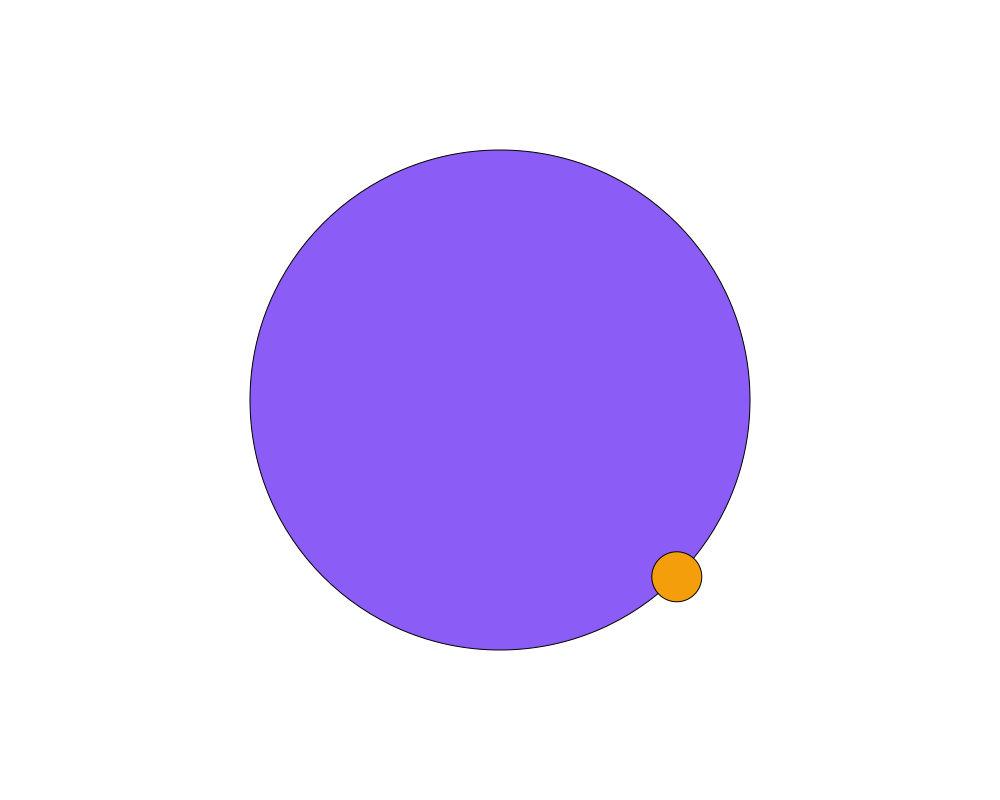
The point at t = 0.125 on a circle (an eighth of a turn clockwise from
the right), marked with a small orange circle.
 Open in Playground