



Noise
Adds film-like grain to an object.
Node id effect/noise
The Noise node outputs a copy of object with random grain mixed into it,
inside its shape: amount (default 0.2) is how much, scale (default 2)
the size of the grain, octaves (default 3) how many layers of finer
detail, and monochrome (default on) whether it's gray or colored.
Inputs
| Name | Type | Default | Notes |
|---|---|---|---|
| object | T | — | generic |
| amount | number | 0.2 | |
| scale | number | 2 | |
| octaves | number | 3 | |
| monochrome | boolean | true |
Outputs
| Name | Type | Notes |
|---|---|---|
| object | T | generic |
Behaviour
- Amount 0 shows no grain, 1 only grain.
- Fixed per node. The pattern comes from the node's own random seed, like the random nodes: it's the same every time, and two Noise nodes have different patterns. For another pattern, give the node a new seed (the dice in the inspector, or New random seed in its context menu).
- In the object's units. The grain scales with the object.
- Inside the shape. The grain follows the object's outline (and its effects before it, such as a blur), never its background.
- Keeps the type and copies, like the other effect nodes.
- SVG only. The preview and Download SVG draw it.
Errors
amountmust be between 0 and 1,scalemore than 0, andoctavesa whole number from 1 to 8.objectmust be a renderable. Its pin is generic, so other values connect but fail here.
Example
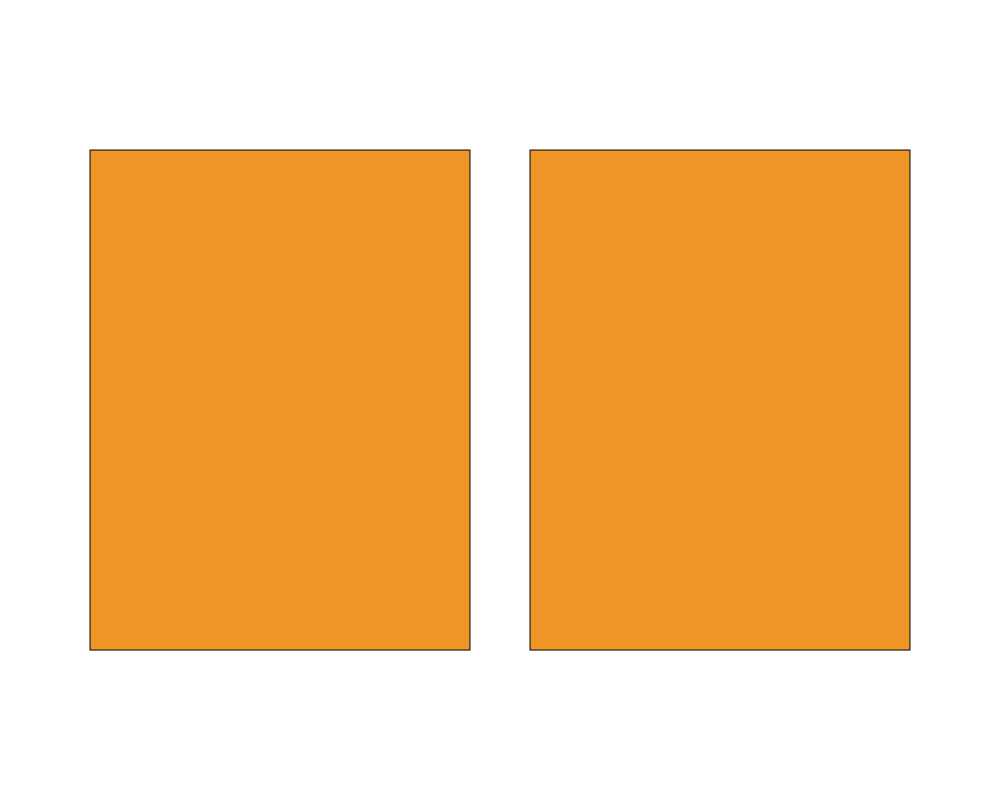
Two rectangles with coarse grain (amount 0.6, scale 6): gray on the left, colored on the right.
 Open in Playground
Related nodes
- Displace: moves the shape by noise instead.