



Adjust Colors
Changes an object's brightness, contrast, saturation and hue.
Node id effect/adjust-colors
The Adjust Colors node outputs a copy of object with its colors
changed, like the color filters of an image editor or CSS. Every setting
starts at a value that changes nothing.
Inputs
| Name | Type | Default | Notes |
|---|---|---|---|
| object | T | — | generic |
| brightness | number | 1 | |
| contrast | number | 1 | |
| saturation | number | 1 | |
| hueRotation | number | 0 | |
| grayscale | number | 0 | |
| sepia | number | 0 | |
| invert | number | 0 |
Outputs
| Name | Type | Notes |
|---|---|---|
| object | T | generic |
Behaviour
- Settings, applied in this order:
brightness,contrastandsaturation(default 1) multiply: 0.5 halves, 2 doubles; 0 gives black, flat gray and grayscale.hueRotation(default 0) turns every hue around the color wheel, in radians: π swaps colors for their opposites.grayscale,sepiaandinvert(default 0) blend towards gray, brown-tinted and inverted colors: 1 is the full effect.
- Everything drawn. It changes the colors of the object as drawn: fill, stroke, gradients, an SVG image, and effects applied before it. On a group, every child.
- Keeps the type and copies, like the other effect nodes.
- SVG only. The preview and Download SVG draw it.
Errors
brightness,contrastandsaturationmust be 0 or more, andgrayscale,sepiaandinvertbetween 0 and 1.objectmust be a renderable. Its pin is generic, so other values connect but fail here.
Example
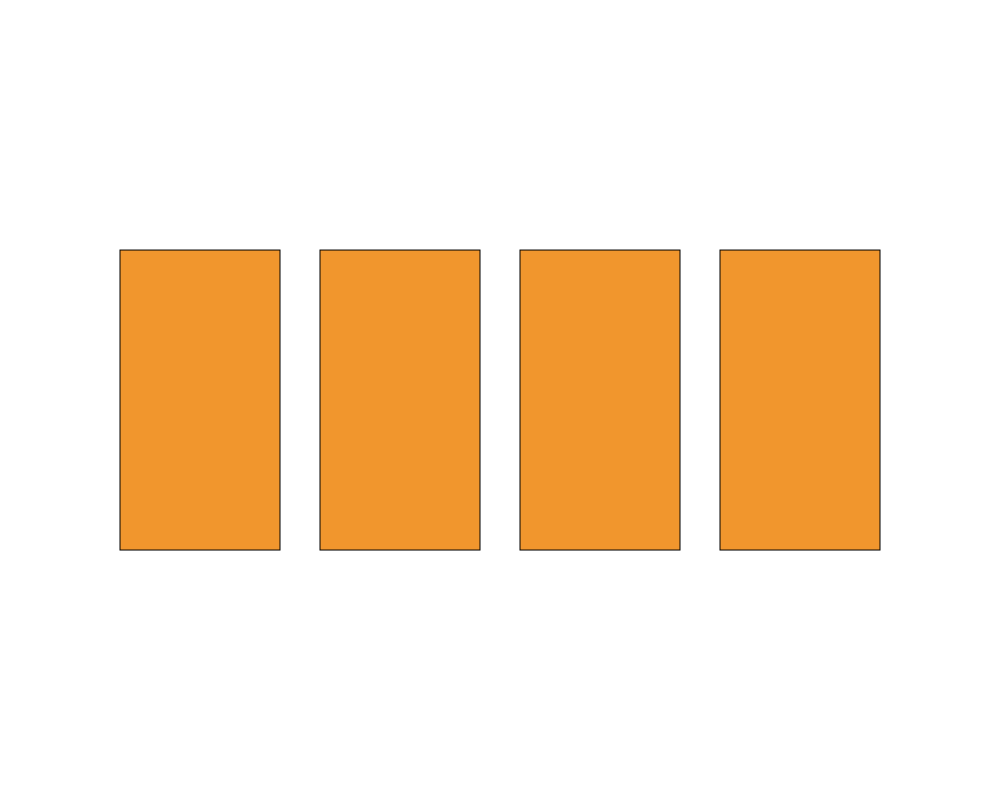
An orange rectangle, and copies with the hue rotated by 2, in grayscale and inverted.
 Open in Playground
Related nodes
- Opacity.
- The color nodes, which make and read colors instead.