



Blend Mode
Sets how an object mixes with what's drawn under it.
Node id effect/blend-mode
The Blend Mode node outputs a copy of object that is combined with
whatever is drawn under it using mode (a
BlendMode, default multiply), like a layer's
blend mode in an image editor.
Inputs
| Name | Type | Default | Notes |
|---|---|---|---|
| object | T | — | generic |
| mode | BlendMode | "multiply" |
Outputs
| Name | Type | Notes |
|---|---|---|
| object | T | generic |
Behaviour
- Replaces. Unlike opacity, blend modes don't add up: the last Blend
Mode node wins.
normaldraws the object over what's under it. - The whole object. The mode applies to the object as drawn, effects included; on a group, to the composed group.
- What's under it is everything drawn before it: objects in earlier
Output slots, and earlier children of the same group. On the empty page
most modes look like
normal. - Keeps the type and copies, like the other effect nodes. Break
reads the result as the object's
blendMode. - SVG only. The preview and Download SVG draw it (as CSS
mix-blend-mode, which vector editors such as Inkscape support).
Errors
objectmust be a renderable. Its pin is generic, so other values connect but fail here.
Example
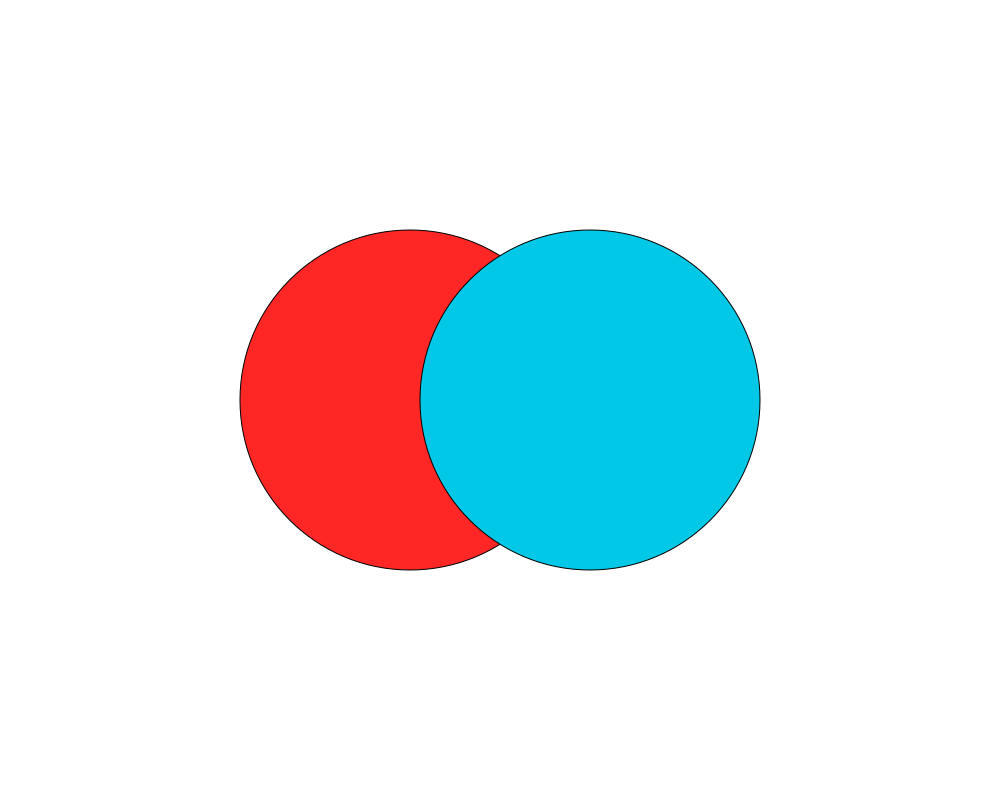
A red and a cyan circle; the cyan one, drawn second, uses multiply, so
their overlap is dark.
 Open in Playground