



Displace
Makes an object's outline wobbly, as if drawn by hand.
Node id effect/displace
The Displace node outputs a copy of object whose pixels are pushed
around by smooth random noise: amount (default 10) is the most they
move, scale (default 40) the size of the bumps, and octaves (default
2) how many layers of finer wobble.
Inputs
| Name | Type | Default | Notes |
|---|---|---|---|
| object | T | — | generic |
| amount | number | 10 | |
| scale | number | 40 | |
| octaves | number | 2 |
Outputs
| Name | Type | Notes |
|---|---|---|
| object | T | generic |
Behaviour
- Amount is the width of the wobble: each point moves up to half of it either way. 0 changes nothing.
- Scale is in the object's units: larger values give broad waves, small ones a ragged edge.
- Fixed per node. The pattern comes from the node's own random seed, like the random nodes: two Displace nodes wobble differently. For another wobble, give the node a new seed (the dice in the inspector, or New random seed in its context menu).
- Everything drawn moves: fill, stroke, text, and effects before it.
- Bounds. The wobble isn't part of the object's bounding box.
- Keeps the type and copies, like the other effect nodes.
- SVG only. The preview and Download SVG draw it.
Errors
amountmust be 0 or more,scalemore than 0, andoctavesa whole number from 1 to 8.objectmust be a renderable. Its pin is generic, so other values connect but fail here.
Example
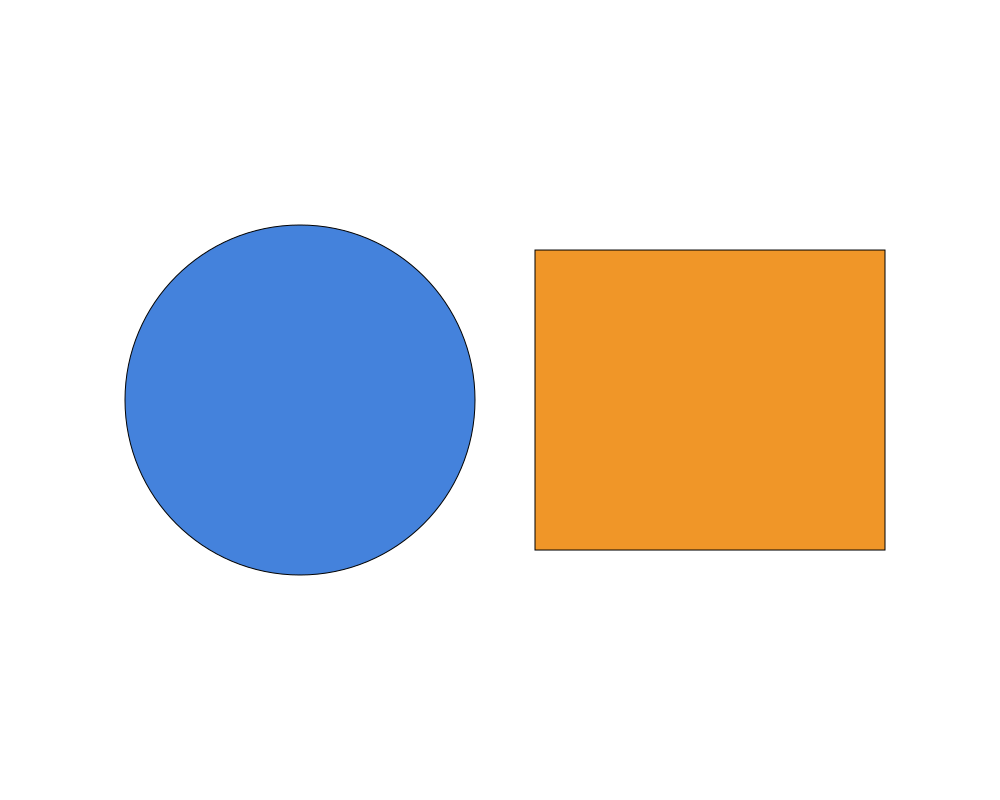
A circle and a rectangle through Displace (amount 30, scale 60).
 Open in Playground
Related nodes
- Noise: grain inside the shape instead.