



Output
Draws everything connected to it, in connection order.
Node id core/output
The Output node is where a graph ends: every shape, line or group connected to it is drawn in the image area, and nothing else is. Every graph has exactly one Output node.
Inputs
| Name | Type | Default | Notes |
|---|---|---|---|
| objects | Renderable | — | multiarrays |
Outputs
None.
Behaviour
- Drawing order.
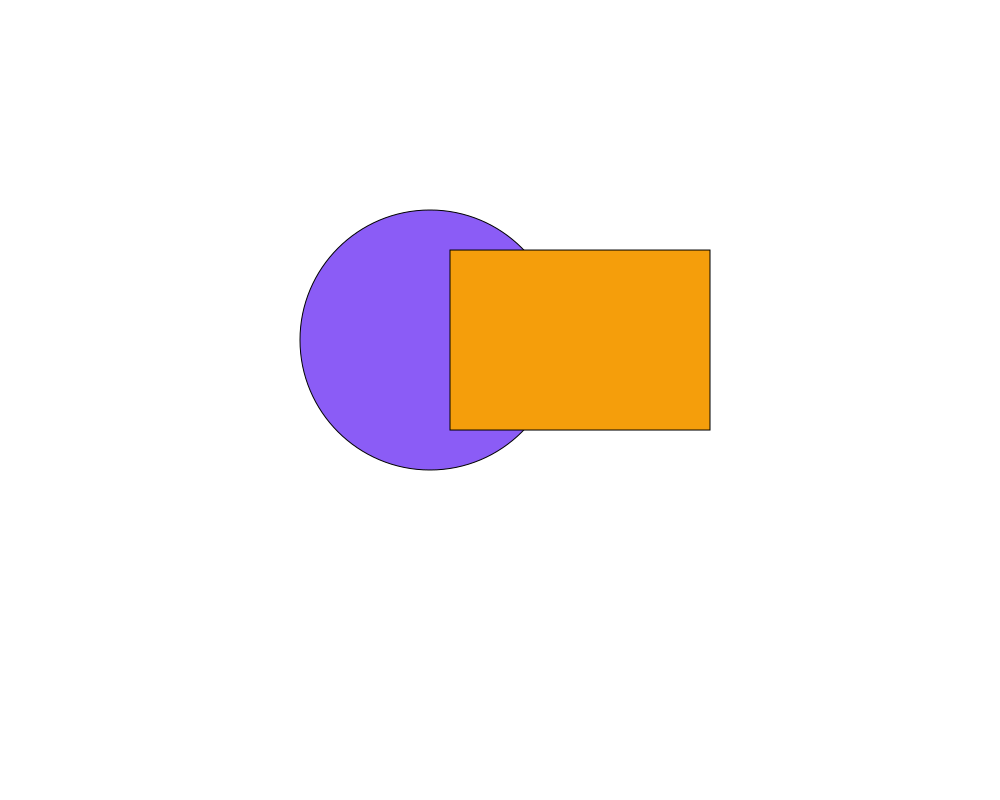
objectsis a multi input: connections are drawn in the order of their slots, so later ones are drawn on top of earlier ones. Move a wire to another slot to change the order. - Arrays. An array of objects, such as the sides from Segments, can be connected to a slot like a single object: every element is drawn, in array order, at that slot's place in the drawing order. An empty array draws nothing.
- Independent objects. Objects don't need to be grouped first: connect each of them to its own slot. Use a Group only when objects should share a position, rotation or scale.
- Evaluation starts here. The graph is evaluated by pulling values from the Output node's connections. Nodes that are not connected to it, directly or through other nodes, are not evaluated at all.
- Always there. The Output node can't be deleted or duplicated, and a graph can't have a second one.
Errors
The Output node has no errors of its own. When a node feeding it fails, that node is marked with a "!" badge and its branch is left out; the other objects are still drawn. If the graph has no Output node (which the Playground prevents), nothing is drawn and the error is shown in the corner of the image area.
Example
A circle and a rectangle connected to the Output node. The rectangle is in the second slot, so it is drawn over the circle.
 Open in Playground
Related nodes
- Group: combines several objects into one, under a shared transform.